
A focus on preparation, attention to detail & quality equipment are the keys to our success
Planning & Preparation
The general arrangement is that Steve handles the production side of things, while Grant maintains the website and IT stuff. Grant also gathers the bulk of the stories we cover, and arranges the interviews.
We operate a planning system using Media Wiki installed on our server. Links to articles, planning ideas, interview subjects – anything that needs to be collated – goes into this system and is sorted through & arranged prior to recording. Normally, an hour or two of planning occurs before the record button is pressed.
Recording the show
A typical news episode of about 90 minutes takes two hours or more to record. The raw audio files are then loaded into the editing software and the arduous edit process begins. This process is described further below.
Equipment
The early episodes (one through six) were produced using basic PC microphones running directly into our computers, but we pretty quickly decided that better audio quality was a goal worth pursuing.
We did a lot of searching around for a setup that gave better quality, but at a price that didn’t send us bankrupt. We spent a lot of time talking to Max Flight from the Airplane Geeks Podcast and Cliff Ravenscraft from the Podcast Answerman show, and finally decided on the equipment we needed.
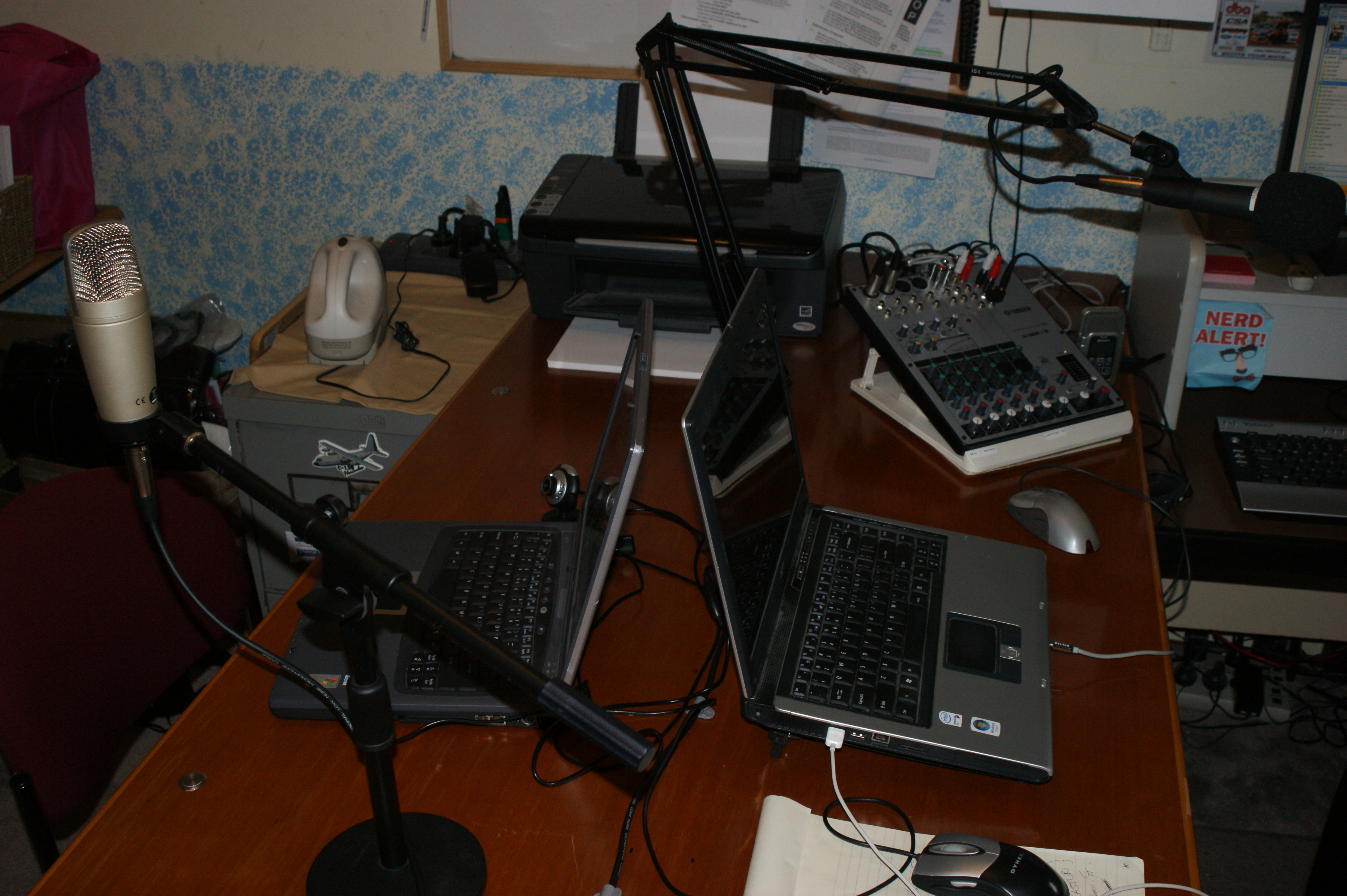
Our shows are recorded using Skype. We set up a conference call, hosted at Steve’s end, and record the audio as a WAV file. Steve uses a Dell Studio XPS7100 system to run the planning page, browse websites, and cue up sound clips and effects. The conference call is hosted on an Acer laptop. Both systems run Windows 7. The audio clips & sound effects are cued up with Pod Producer.
Grant uses a MacBook and an Acer EEE PC running Ubuntu Linux. He generally comes in via Skype and we often refer to his place as the “West Studio”. Increasingly though, Grant makes the trek through the suburbs to Steve’s place for a live recording.
Grant uses a  Behringer C-1 Studio Microphone while Steve uses(and highly recommends) a Heil PR40. All audio is fed into a Yamaha MW-10C studio mixer. A “mix minus†feed is sent back to the laptop, and a stereo feed is sent to a Zoom H2 digital audio recorder.
Recording in the Field
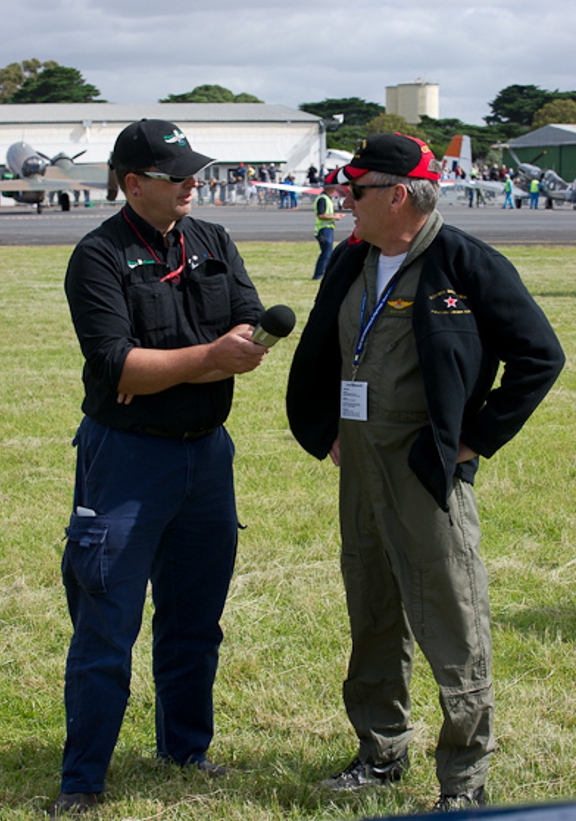
Both Grant & Steve have their own Zoom H2 handheld recording devices and love them. The audio quality is great, the features are suitable and they’re very portable. Grant also has a kneeboard rig that he attaches his to when recording in flight audio. It has lots of bands to keep it in place, even when pulling over +6/-1.5 Gs (he’s eager to see if it’ll stand more).
Mobile Studio
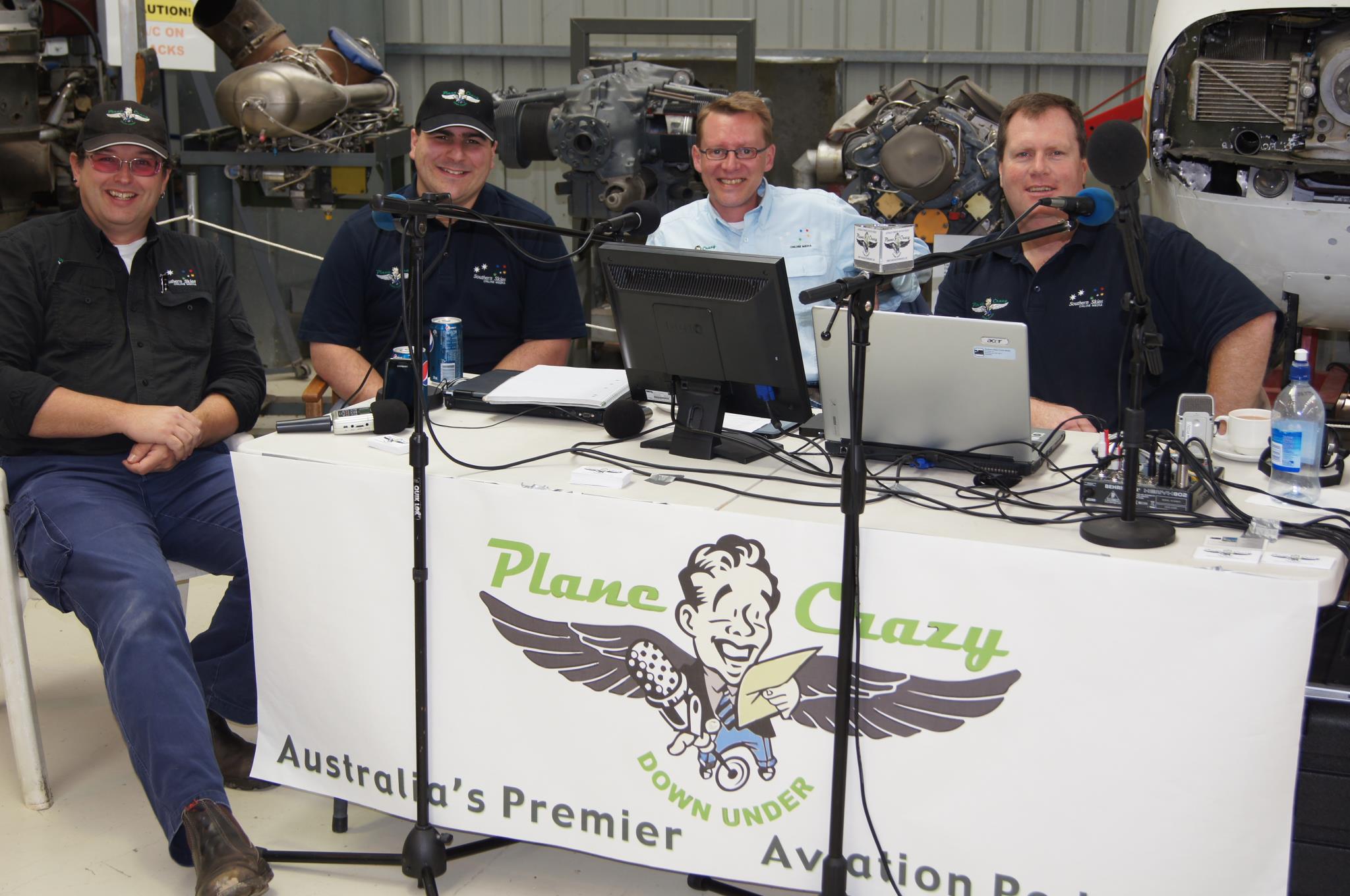
For aviation events where sufficient space is available, we have a mobile studio kit complete with studio microphones, Behringer 802 mixer, recording & computer equipment. This allows us to interview guests in a more comfortable setting, and produce content while still in the field. We also have access to up to 13 weather proof speaker towers which allow us to broadcast interviews & pre recorded content at any given event. If you’d like us to attend your next aviation event, call Grant on 0422 914 949.
Editing the raw Data
The raw WAV files are first run through a program called Levelator which balances audio levels, then imported into Adobe Audition III for editing. This can take many hours as gaps are removed, “Ums & Ahhs†are eliminated, general chat and bloopers erased, and so on. During this stage, further processing is done on levels including noise reduction, compression & hard limiting, then interviews and various segments are spliced in. Once the body of the show is done, intro & exit music clips are added, along with our famous disclaimer clip, the blooper track (if one has been compiled) is tacked on the end, and the show is almost ready to go.
All the tracks are then mixed down into a mono mp3 file at 96kbps. Steve then performs a quality control check to make sure everything has mixed into the correct spot, and no previously un-noticed gaps have found their way in. Once passed, the file is imported into iTunes where ID3 tags & album art are added. Then a final check is performed and its uploaded to our server for release.
Publishing
When the server file upload is complete, Grant writes up the show notes, links in the MP3 file and publishes the new episode to the world!
There….simple, eh?? Who said this was difficult??